Lytmark Changelog
Last update · Nov 10, 2026

Changelog

What's new in Lytmark

New features, improvements and fixes, newest first.

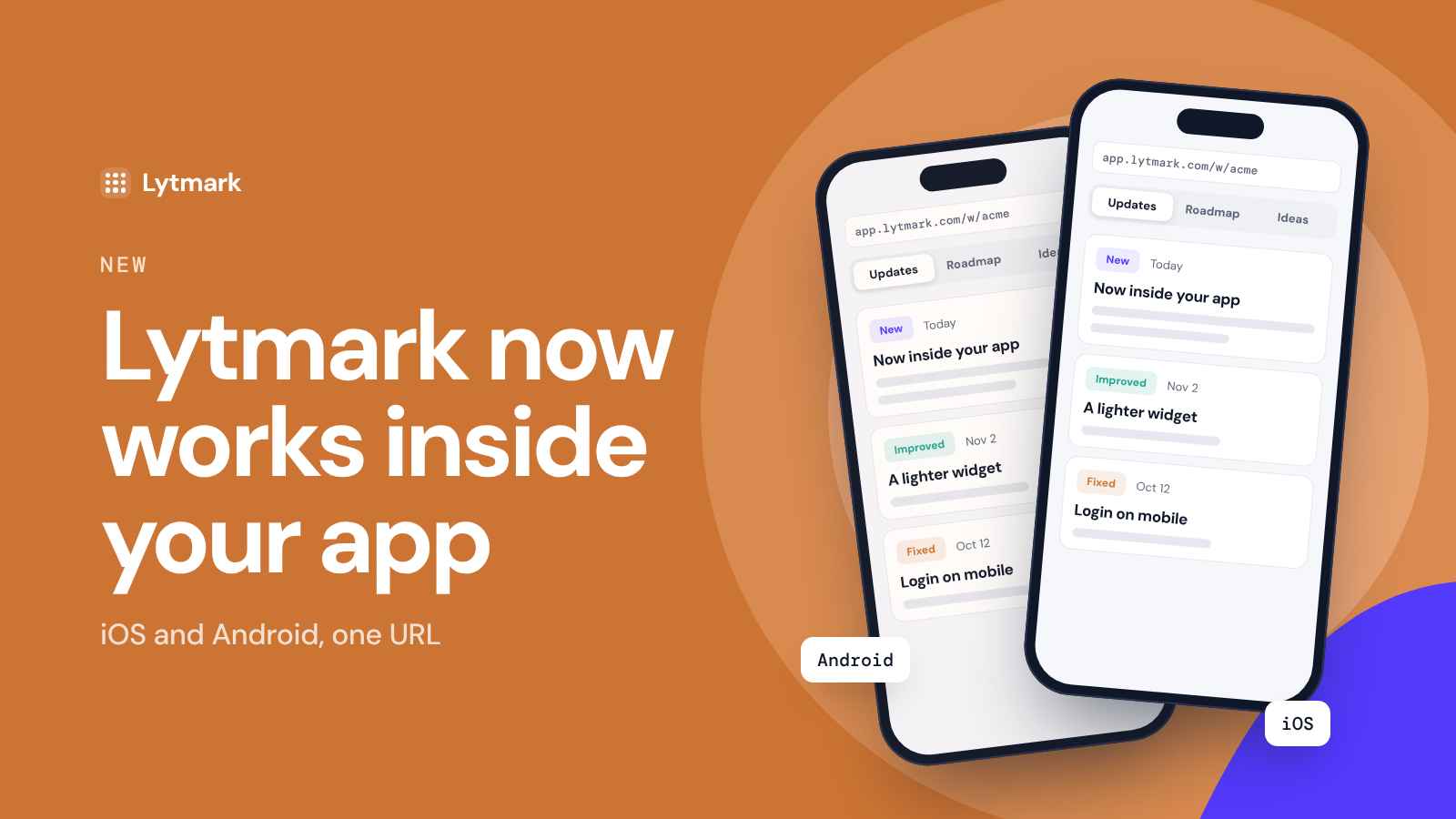
Lytmark now works inside your mobile app

Your changelog, roadmap and ideas box can now live inside your iOS and Android app, not only on your website. Open one URL in a WebView and your users get the full Lytmark widget, full screen.

How it works

  • Every project has a mobile URL: app.lytmark.com/w/your-slug.

  • Open it from a "What's new" button in your app. Flutter, React Native, Kotlin and Swift all work.

  • Close, back button and links are handled for you: external links open in the system browser, back goes from a post to the list, then closes the screen.

  • Optional unread badge: one small request tells your app how many updates are new.

  • Signed-in users vote and suggest ideas without typing their email (same verified identify you use on the web).

One project, website and app together

Posts, roadmap votes and ideas are shared between your website and your app. Votes from both add up on the same roadmap item. In Analytics, a new All · Website · App switch shows where opens and reads come from, and Live activity marks each event with its source.

Get started

Open Install → Mobile app in your dashboard, pick your platform and copy the example code. It works on the App Store and Google Play. There's no native SDK to add: it's a WebView, so new widget features reach your app without an app update.
How did this update land?

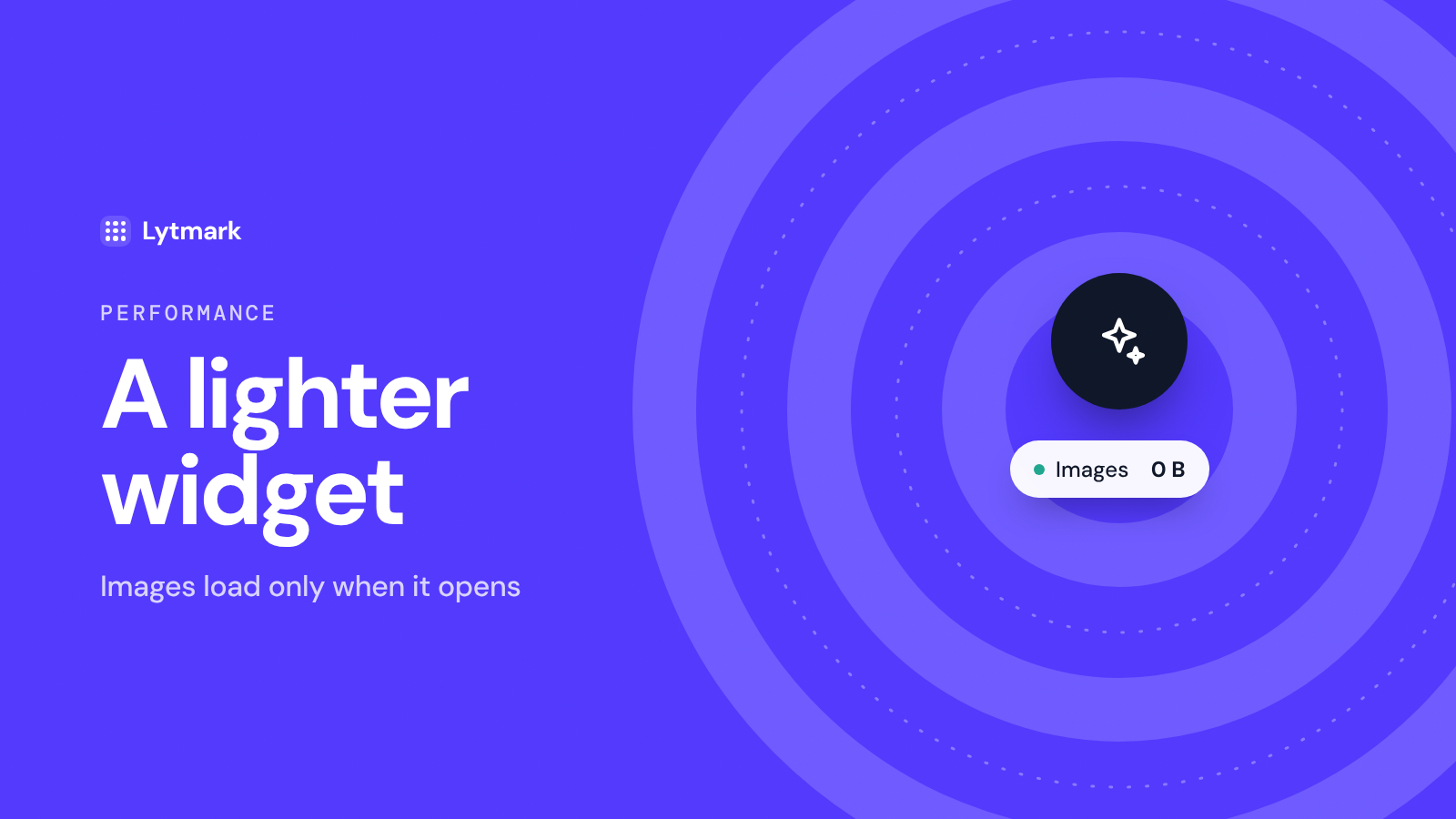
A lighter widget: images load only when it opens

Most visitors never open your changelog widget, so they shouldn't pay for it. Until now, the closed widget still downloaded the cover images of your posts on every page load. Now it downloads none.

⚡ What changed

  • Zero images while closed. On our own site that's about 1.7 MB less on every page load.

  • Images load when they're needed. When someone opens the widget, only the posts on screen load their images. The rest load as they scroll.

  • No waiting when it opens. Hovering or tapping the launcher quietly loads the first two images, so the list looks ready the moment it opens.

  • No flicker on reopen. Images that already loaded stay put when the widget is closed and opened again.

✅ Everything else works the same

  • The unread badge and “new since your last visit” still show the right count.

  • Analytics, your own trigger buttons and light or dark themes are unchanged.

  • The widget script grew by about 200 bytes.

🌐 Nothing to do on your side

The update is already live on every site that uses the snippet, on every plan.

A faster site for your users, without lifting a finger. That's the point.

How did this update land?

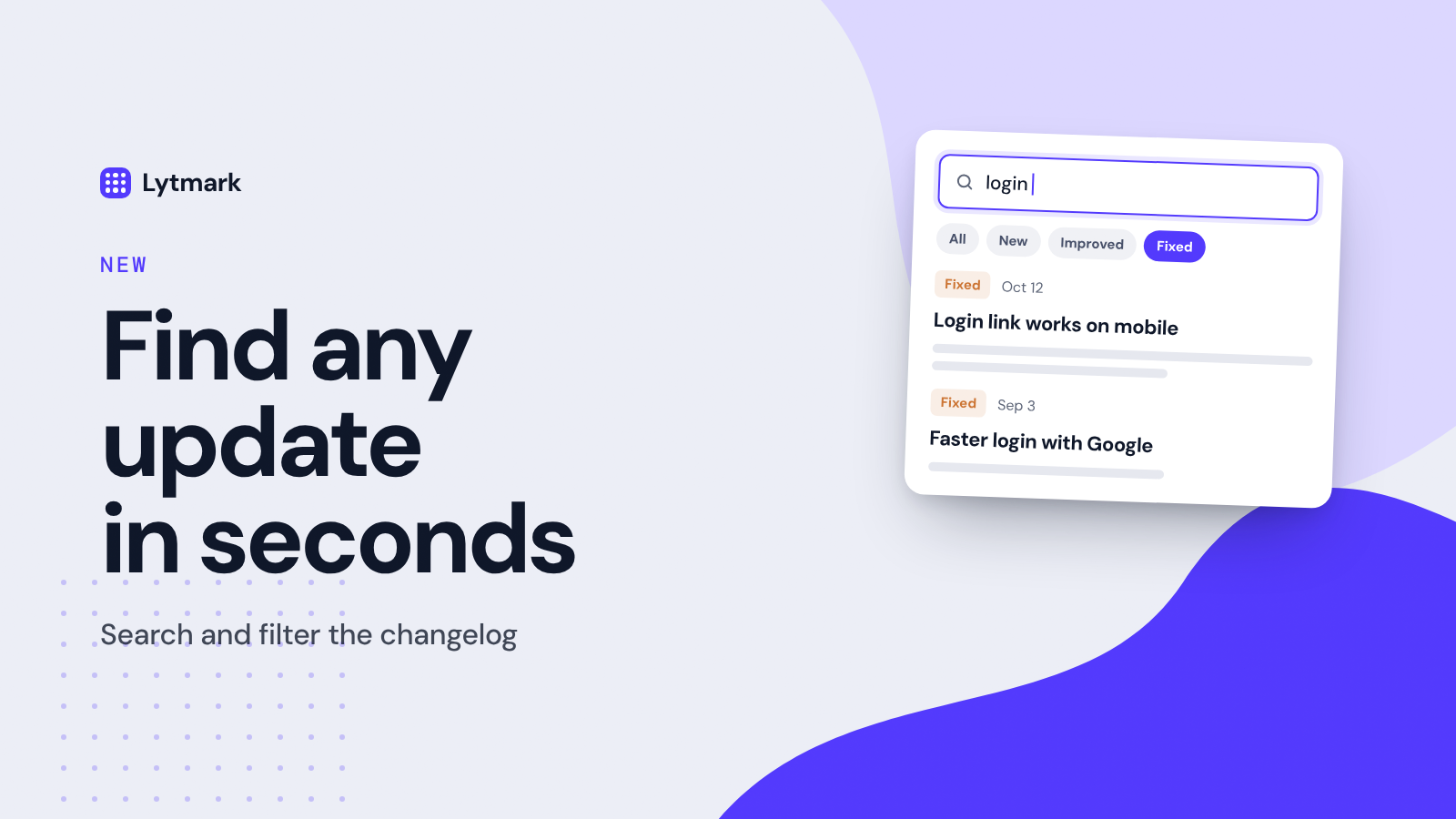
Filter & search the changelog

The update you need is always the one from three months ago. Now you can find it in seconds instead of scrolling.

🔍 Search

There's a search box at the top of the Updates tab.

  • Results appear as you type

  • It searches post titles and text

  • No more scrolling to find when a feature landed

🏷️ Filter by tag

Tap a tag to see only those posts: New, Improved, Fixed or Announcement.

  • Want to see what was fixed lately? One tap.

  • Tap the same tag again to see everything.

✨ Use them together

Pick Fixed and search "login". You get only the login fixes, nothing else.

🌐 Works everywhere

  • In the widget on your site

  • On your hosted changelog page

  • On every plan, with nothing to set up

🙌 You asked for this

This was one of the most voted items on our roadmap. If you voted for it, you'll get an email about this post.

That's new too: when we ship something you asked for, you hear about it.

How did this update land?

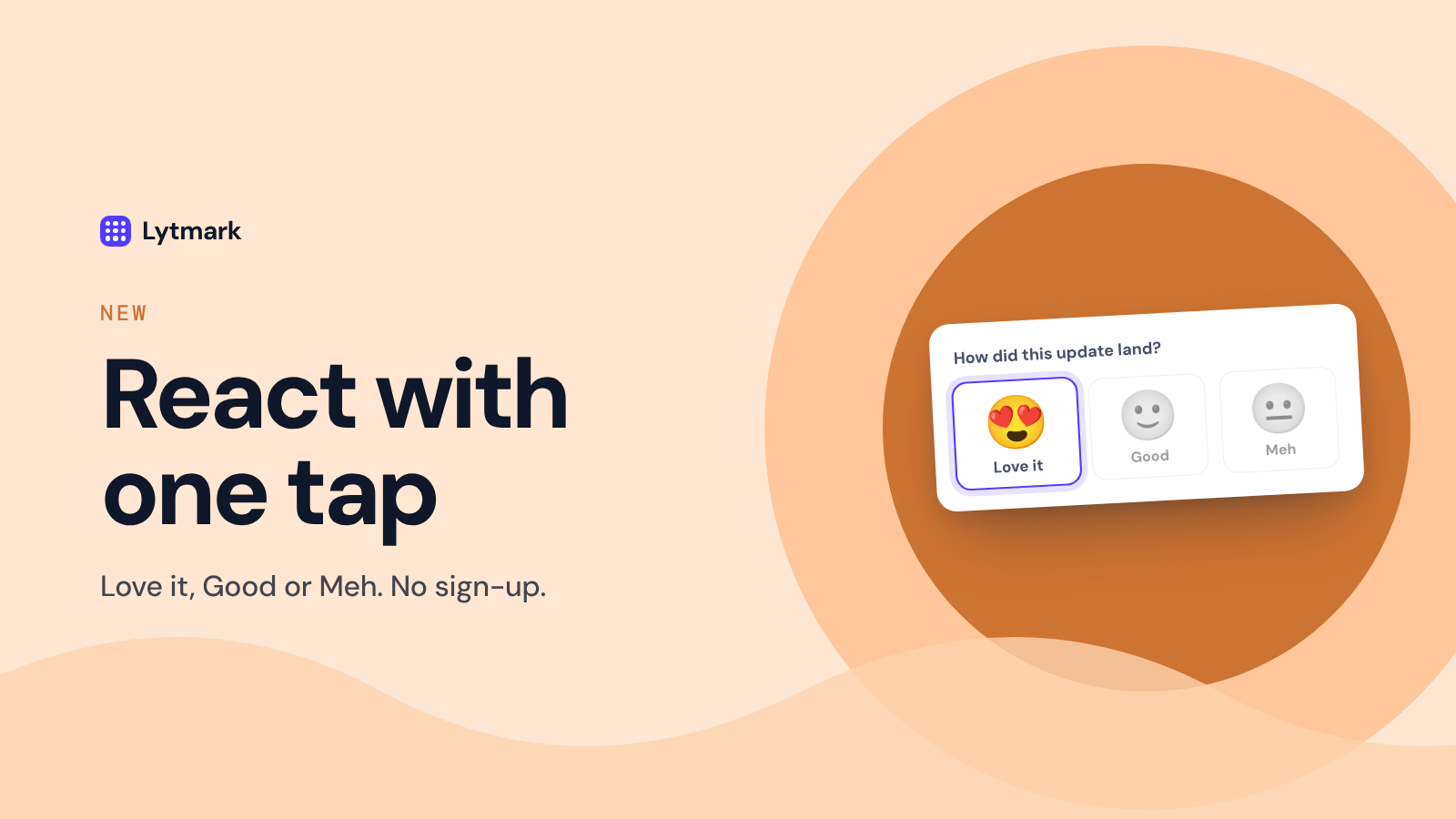
React to updates with one tap 😍 🙂 😐

Your users can now tell you how each update landed, right inside the widget. At the bottom of every post they pick Love it, Good or Meh. One tap, no sign-up.

Why three faces, not a like button

A like only tells you how many people clicked. A simple scale tells you whether a release actually worked for them.

Meh comes with a private "why"

After picking 😐, people can optionally tell you what would make it better. Only your team sees these notes. You'll find them under Analytics → Notes from 😐 reactions, and one click moves a note to Ideas.

See sentiment per post

Post performance now shows reactions and a sentiment score for every update. New reactions also show up in Live activity.

You're in control

Reactions are on for every plan. Counts are hidden from visitors by default; turn them on, or switch reactions off entirely, in Customize.

Try it on this post. 👇

How did this update land?

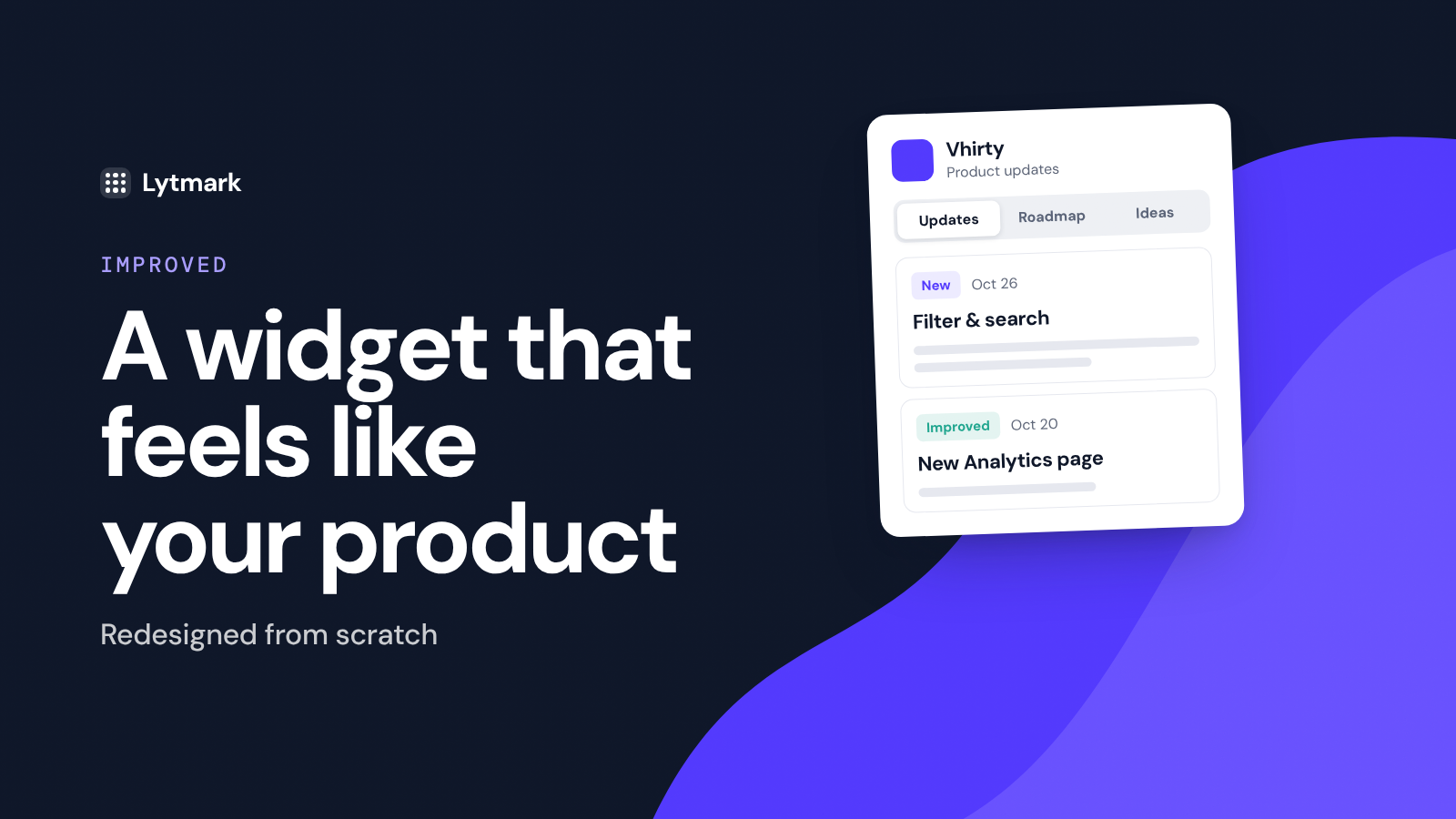
A redesigned widget that feels like part of your product

The Lytmark widget has been redesigned from scratch. It's cleaner, easier to scan, and built to sit inside your app without looking bolted on. There's nothing to change on your side: the new design is already live on every site that uses the snippet.

A cleaner panel

  • Floating card. The panel now floats above your page with rounded corners and a soft shadow, instead of being pinned to the edge of the screen.

  • Clear layers. Each update is its own card on a light background, so your users can tell posts apart at a glance.

  • Simple tabs. Updates, Roadmap and Ideas sit in one compact switcher, with an unread count on Updates.

Easier to read

  • What's new since last time. Returning visitors see a "new since your last visit" divider and a dot on every unread post.

  • Scannable list. Every post shows its tag, date, title, a two-line preview and its cover image.

  • Better post pages. Larger titles, an estimated reading time, proper lists and formatting, a link to the previous post, and an "Open page" link that jumps straight to that post on your hosted changelog.

Roadmap and ideas

  • Grouped roadmap. Items are sorted into In progress, Planned, Under consideration and Shipped, with a large vote button that shows when you've already voted.

  • Friendlier idea form. Clear labels, inline validation and a thank-you screen after sending.

Fits any product

  • Light, dark or auto. Pick a theme in Customize. The new Auto option follows each visitor's system setting.

  • Any accent color. Text on your brand color automatically switches between light and dark, so it stays readable whatever color you choose.

  • Smarter launcher. A "What's new" button with an unread count. If you already open the widget from your own button, the launcher hides itself.

  • Built for mobile. On small screens the widget opens as a bottom sheet you can swipe away.

  • Isolated styles. Your site's CSS can't break the widget, and the widget can't affect your site.

Faster and more accessible

The widget is about 15 KB over the network and is now cached by the browser, so it loads once instead of on every page. It also works fully from the keyboard: Esc closes it, focus stays inside the panel while it's open, and every control is labelled for screen readers.

How did this update land?

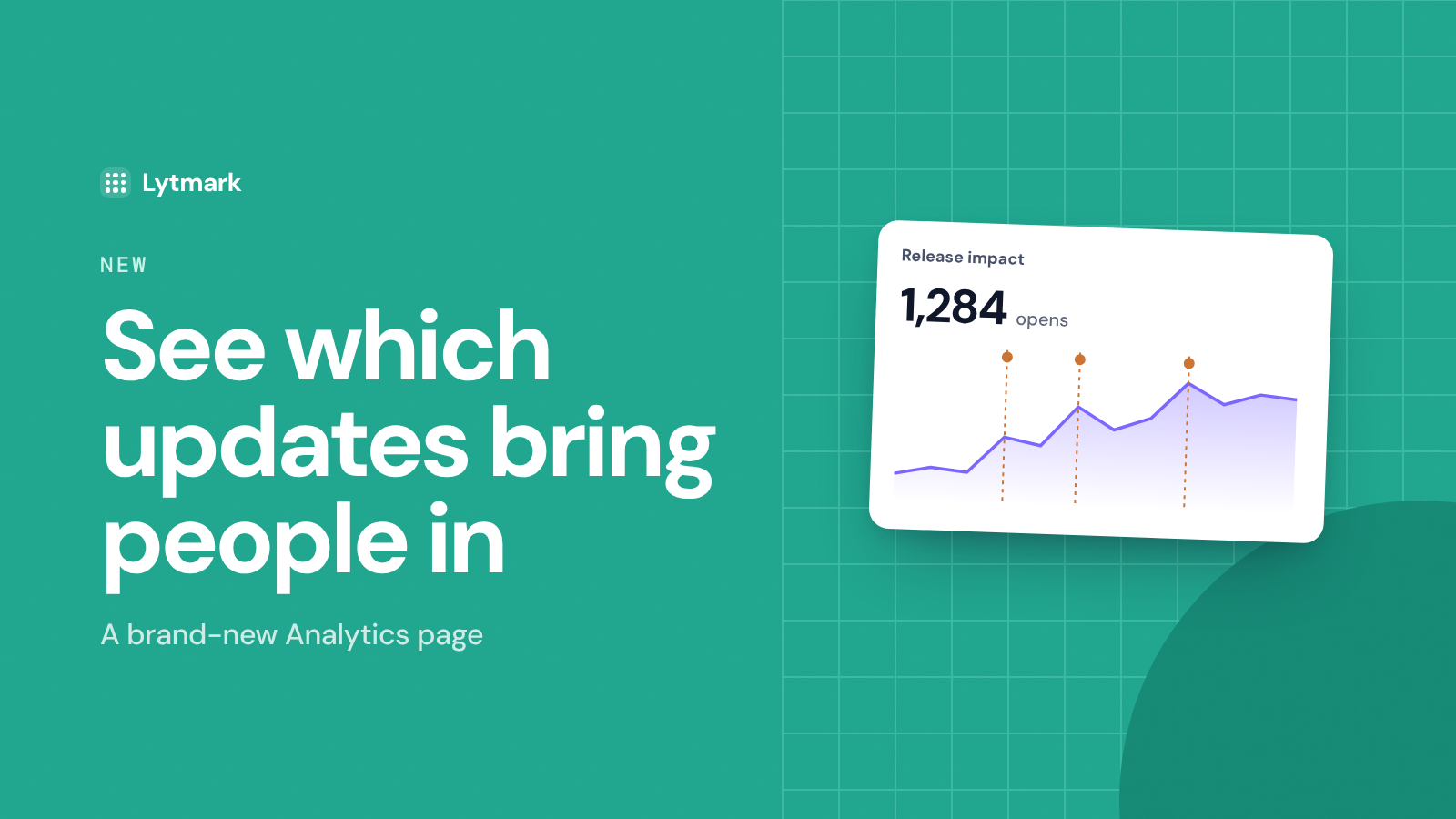
A brand-new Analytics page: see which updates bring people in

Analytics has been rebuilt from the ground up. Instead of a few totals, it now answers the questions you actually have after shipping: did anyone see this update, which release brought people back, and when is the best time to post the next one.

What's on the new page

  • Release impact. Widget opens over time, with every published post marked on the chart. Hover a marker to see opens and reads in the 48 hours after it went live, compared to your usual week.

  • When your users check. A weekday-by-hour heatmap of when people open your changelog, so you can schedule your next post for the moment they're most likely to see it.

  • Live activity. A running feed of opens, reads, roadmap votes and suggestions as they happen. Visitors stay anonymous.

  • Post performance. For every post: reach (how many visitors saw it after it went live), unique readers, total reads, and how long it took to get its first read.

  • Trends on every number. Opens, visitors and reads now show how they compare to the previous period, plus a read rate for how many opens turn into a read.

More accurate numbers

Post views are now counted only when a post is actually visible in the open widget, not every time a page loads. Your reach and read numbers reflect real attention from this update onward.

Exclude your own visits

Testing your own widget no longer skews the numbers. Use Exclude my visits on the Analytics page, paste your anonymous visitor ID, and your own activity stops being counted. Nothing is deleted, so you can undo it anytime.

The new Analytics page is available on Pro and Studio. Open Analytics in your dashboard to try it.

How did this update land?

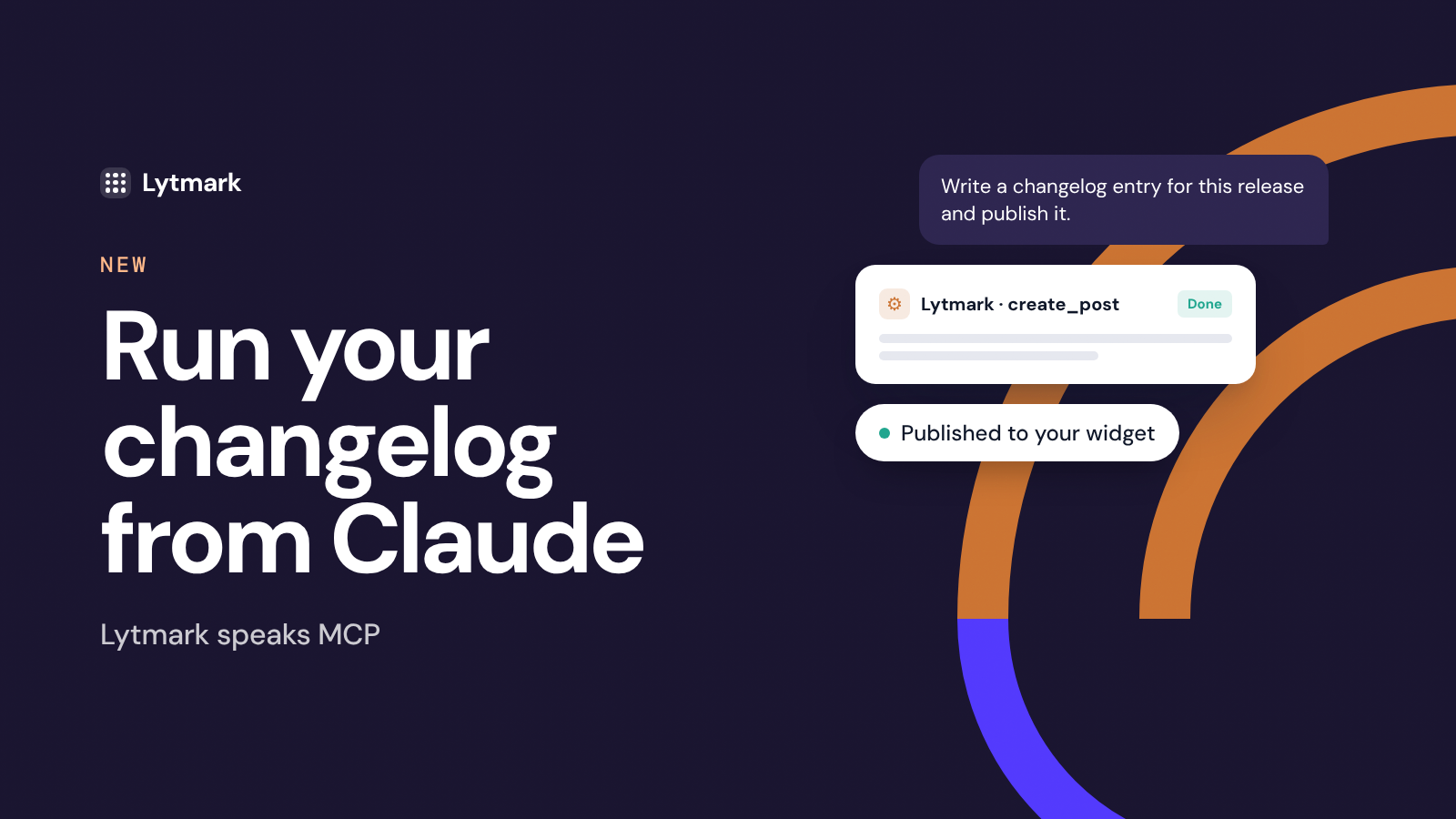
Lytmark now speaks MCP — run your changelog from Claude

Lytmark ships with a native Model Context Protocol (MCP) connector. Connect it once to Claude — or any MCP-compatible AI assistant — and your changelog, roadmap, and feedback inbox become things you talk to, not tabs you switch to. Write, publish, triage, and prioritize in plain language, right where you already work.

What it can do

  • Publish changelog entries from a prompt. Describe what shipped and Claude drafts a clean, on-brand release note. You review, approve, and it goes live on your widget — title, body, tag and all.

  • Draft first, publish later. Not ready to ship? Have Claude save entries as drafts, or schedule them for a future date.

  • Triage user feedback. Pull in feature suggestions, then let Claude cluster duplicates, summarize themes, and surface what's trending.

  • Keep your roadmap honest. Review items and their vote counts to decide what deserves attention next — without opening the dashboard.

  • Close the loop. When a requested feature ships, have Claude draft the announcement in the same breath. Then mark the roadmap item as Shipped in your dashboard, and everyone who voted for it gets an email.

How teams actually use it

  • Ship, then announce. You merge a PR and simply say: "Write a changelog entry for this release and publish it." No context-switch, no copy-paste — the note is live before you close the terminal.

  • Turn feedback into a plan. "Summarize this week's suggestions and tell me the top three by votes." One message, and you know exactly what to build next.

  • Weekly digest on autopilot. Paste your commit messages or rough notes and let Claude turn a messy week into one polished, readable update.

Why it matters

The hardest part of a changelog isn't writing it — it's remembering to. MCP removes the friction: the update happens inside the workflow that produced it, so shipping and announcing become a single step. Your users stay in the loop, and you stay in flow.

Turn it on

Open Settings → MCP Connector, copy your endpoint, and add it to Claude. Two minutes and you're live.

How did this update land?

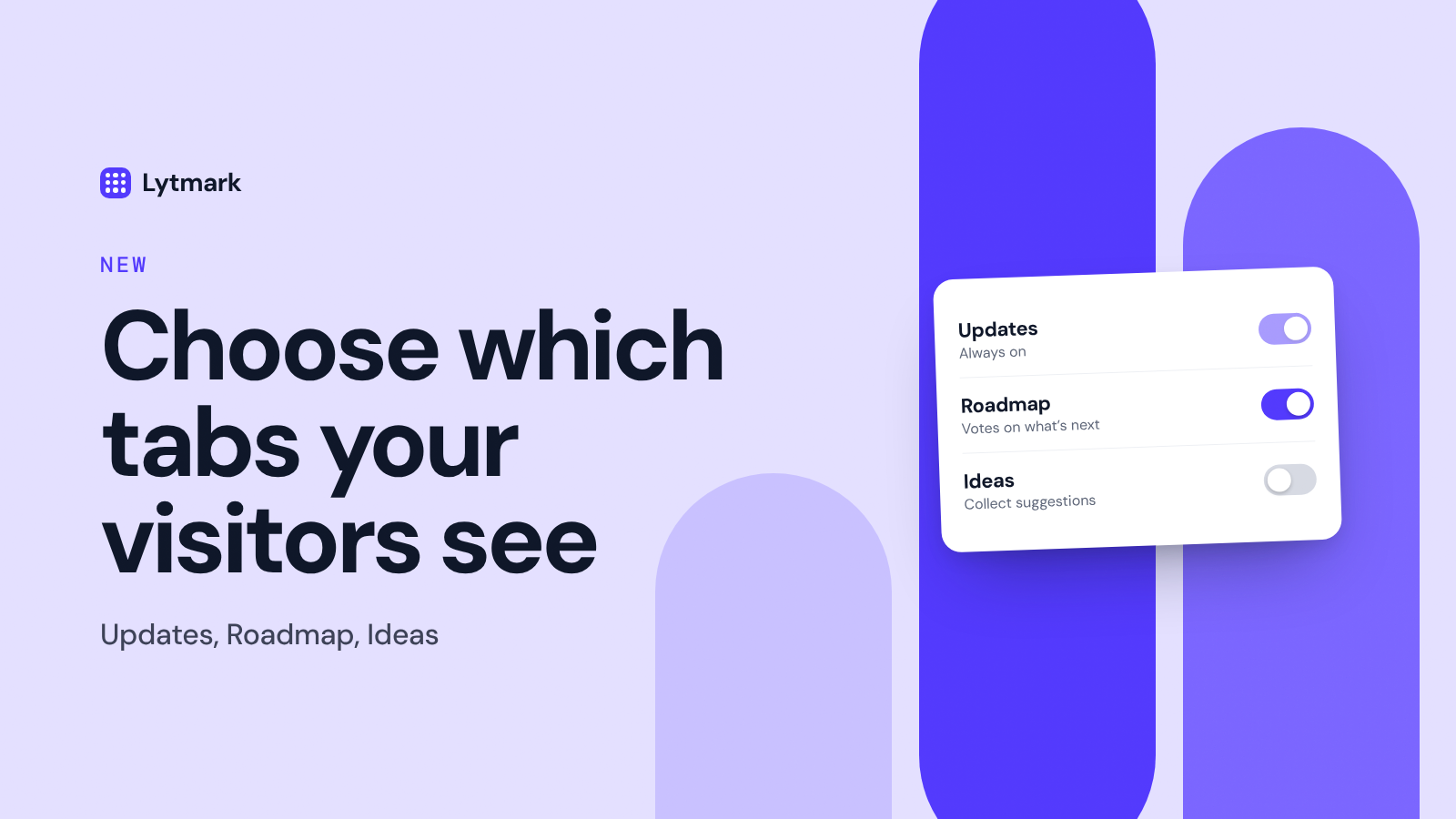
Choose which tabs your visitors see

Your widget can show three tabs: Updates, Roadmap and Ideas. You decide which ones your visitors see, so the widget only shows what fits where your product is right now.

🧩 The three tabs

  • Updates is your changelog. It's always on, because it's the heart of the widget.

  • Roadmap shows what's planned, in progress and shipped, and lets visitors vote on what they want next.

  • Ideas lets visitors suggest features. Every idea lands in your dashboard first, and you decide what moves to the roadmap.

🎯 Why you'd turn tabs off

  • Keep it focused. No empty roadmap or unused idea box on display.

  • Launch gradually. Start with Updates, add Roadmap once you have a few items planned, then open Ideas when you're ready to answer them.

  • Match your stage. A side project and a growing product don't need the same setup.

⚙️ How to set it up

Open Customize and find Tabs and reactions. Switch Roadmap and Ideas on or off and watch the live preview update right next to it. Click Save changes, and your widget picks up the new setup within about five minutes. No need to touch your embed code or redeploy anything.

💳 Plans

Updates is available on every plan, including Free. Roadmap and Ideas are part of Pro and Studio.

Tip: when a roadmap item ships, mark it as shipped on your Roadmap page. Everyone who voted for it gets an email with a link to your update.

How did this update land?

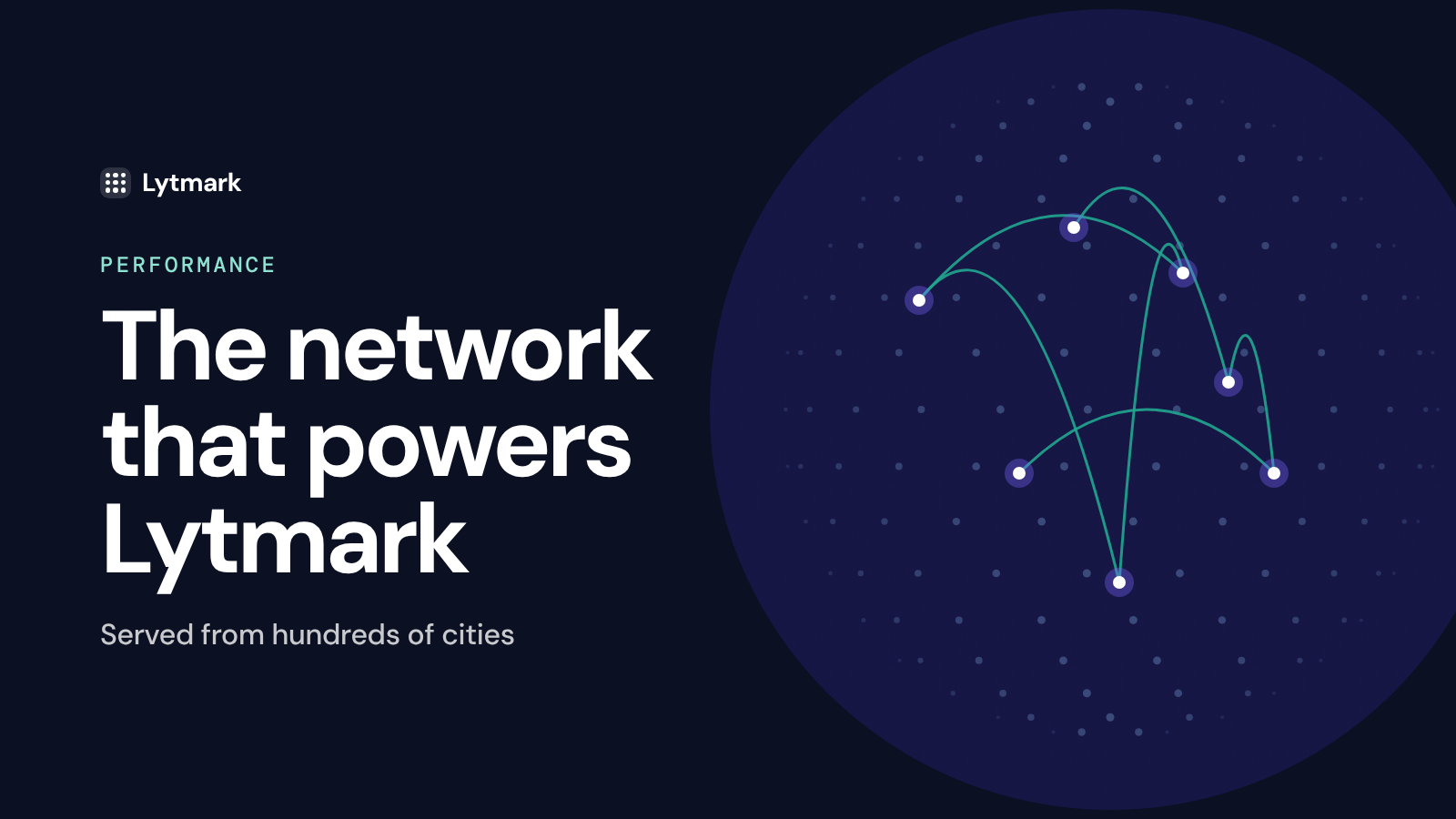
The network that powers Lytmark

Ever wonder why the Lytmark widget loads instantly, no matter where your users are? We run on Cloudflare's global edge network, the same infrastructure that serves a large part of the internet. The video above explains how that network works.

🌍 Served from next door

Instead of one server in one country, Lytmark runs in Cloudflare data centers in hundreds of cities. When someone opens your widget, the request is handled by the location closest to them, so your changelog shows up in milliseconds whether they're in New York, Berlin or Singapore.

⚡ Built to stay out of your way

  • Small script. The whole widget is under 30 KB over the network.

  • Downloaded once. The browser caches the script, so returning visitors don't download it again until we ship a new version.

  • One request for your updates. Your posts and widget settings arrive together in a single request, cached at the edge.

  • No images until it opens. Cover images load only when someone opens the widget, so closed widgets cost your visitors almost nothing.

  • No clash with your design. The widget's styles are isolated, so it never fights with your CSS.

🛡️ Resilient by default

  • DDoS protection comes built in with Cloudflare.

  • No single point of failure. If one location has trouble, traffic moves to the next one automatically.

Fast, reliable and everywhere your users are. That's the standard we hold ourselves to.

How did this update land?

Built with your data's safety in mind

Lytmark sits on your site and talks to your users, so it has to be trustworthy. Here's how we protect your content and your visitors, in plain language.

🌍 Where your data lives

Lytmark runs entirely on Cloudflare, the network behind a large part of the internet. Your posts, roadmap and ideas are stored in Cloudflare's managed database, encrypted at rest, and every request travels over HTTPS. Nothing moves between your site and ours in plain text.

🧱 A widget that minds its own business

  • It never reads your page. The widget only displays your content. It doesn't look at your forms, your cookies or anything your users type.

  • Isolated styles. It renders inside its own Shadow DOM, so your CSS can't break it and it can't change how your site looks.

  • Strict Content Security Policy friendly. You don't need to allow unsafe-inline to run it.

🕵️ Minimal data about your visitors

  • No tracking cookies, no profiles. To count unique readers, the widget keeps a random anonymous ID in the visitor's browser. It isn't tied to a name or an email.

  • Consent-friendly. If your site uses a cookie banner, you can tell the widget to wait for consent before counting anything, or turn analytics off completely.

  • Emails only when visitors give them. An email is stored only when someone votes on your roadmap or sends an idea. Voters hear from you once, when the item they voted for ships, and every email has an unsubscribe link.

  • No ads, no selling data. No third-party trackers ride along with the widget.

🔐 Your account

  • No passwords to leak. You sign in with a one-time email code or with GitHub, so there's no password stored anywhere.

  • Log out everywhere. One click signs you out of every device.

  • Verified payments. Webhooks from our billing provider are cryptographically signed and checked, so they can't be faked.

🗑️ You stay in control

Edit or delete any post, roadmap item or idea at any time, and it disappears from your widget too. Delete a project or your account, and its data, analytics included, is removed with it.

Security isn't a feature we finished. It's something we keep working on with every release.

How did this update land?

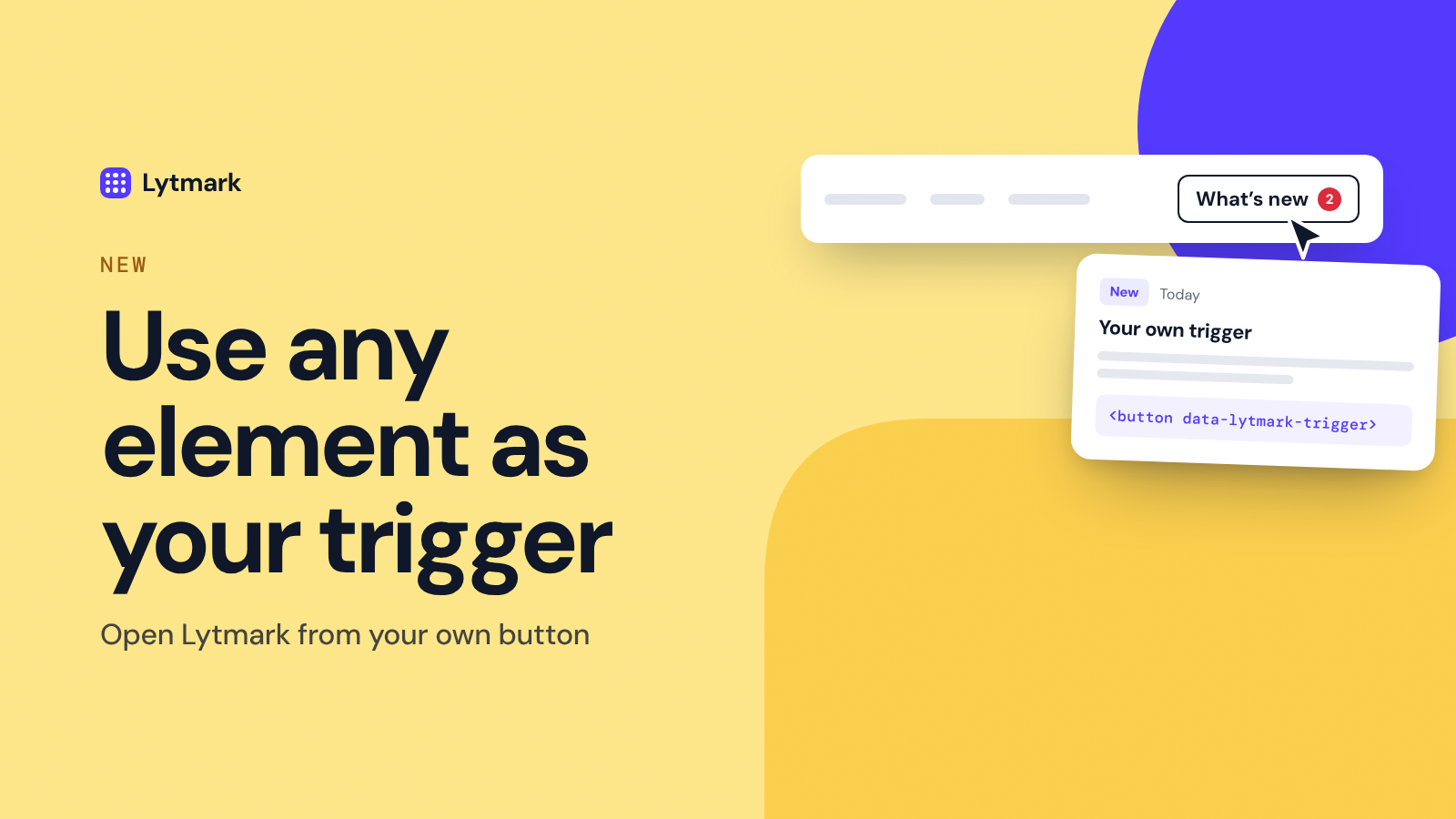
Use any element as your trigger

The round launcher in the corner works for most sites. But if your product already has a natural place for news, like a "What's new" link in your navbar or a bell in your app header, that element can open Lytmark instead.

⚙️ How it works

Add one attribute to any clickable element on your page:

<button data-lytmark-trigger>What's new</button>

That's it. Clicking it opens the widget. It works on buttons, links, menu items and icons, and you can add the attribute to as many elements as you like, for example one in the navbar and one in the footer.

✨ What happens automatically

  • The corner launcher hides itself as soon as the widget finds a trigger on the page, so visitors never see two ways to open it.

  • Works with modern apps. Triggers that appear later, after a route change in React, Vue or Next.js, or inside a menu that only opens on click, are picked up without any extra code.

  • Your styling stays yours. It's your own element, so it keeps your fonts, colors and hover states. No need to match anything to our design.

🎛️ Set it up in Customize

Open Customize, go to Appearance → Position and choose My own button. The live preview next to the settings shows what your visitors will see. Save, add the attribute to your element, and you're done.

💡 Where it works well

  • A "What's new" link in your navbar or footer

  • An item in your app's help or account menu

  • A small banner or button right after you ship something big

Tip: put the trigger where your users already look for help. The easier it is to find, the more people read what you ship.

How did this update land?