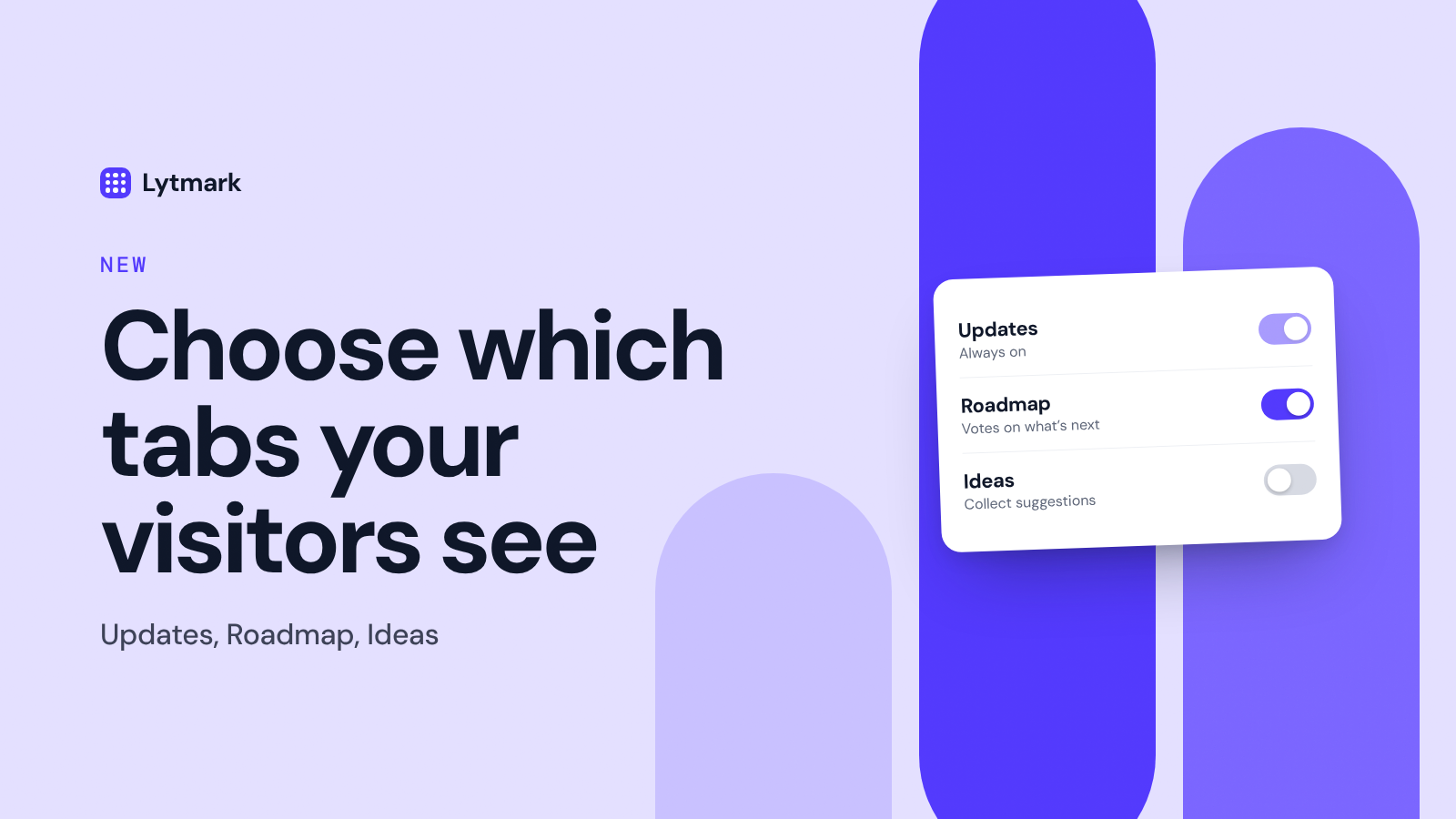
Your widget can show three tabs: Updates, Roadmap and Ideas. You decide which ones your visitors see, so the widget only shows what fits where your product is right now.
🧩 The three tabs
Updates is your changelog. It's always on, because it's the heart of the widget.
Roadmap shows what's planned, in progress and shipped, and lets visitors vote on what they want next.
Ideas lets visitors suggest features. Every idea lands in your dashboard first, and you decide what moves to the roadmap.
🎯 Why you'd turn tabs off
Keep it focused. No empty roadmap or unused idea box on display.
Launch gradually. Start with Updates, add Roadmap once you have a few items planned, then open Ideas when you're ready to answer them.
Match your stage. A side project and a growing product don't need the same setup.
⚙️ How to set it up
Open Customize and find Tabs and reactions. Switch Roadmap and Ideas on or off and watch the live preview update right next to it. Click Save changes, and your widget picks up the new setup within about five minutes. No need to touch your embed code or redeploy anything.
💳 Plans
Updates is available on every plan, including Free. Roadmap and Ideas are part of Pro and Studio.
Tip: when a roadmap item ships, mark it as shipped on your Roadmap page. Everyone who voted for it gets an email with a link to your update.