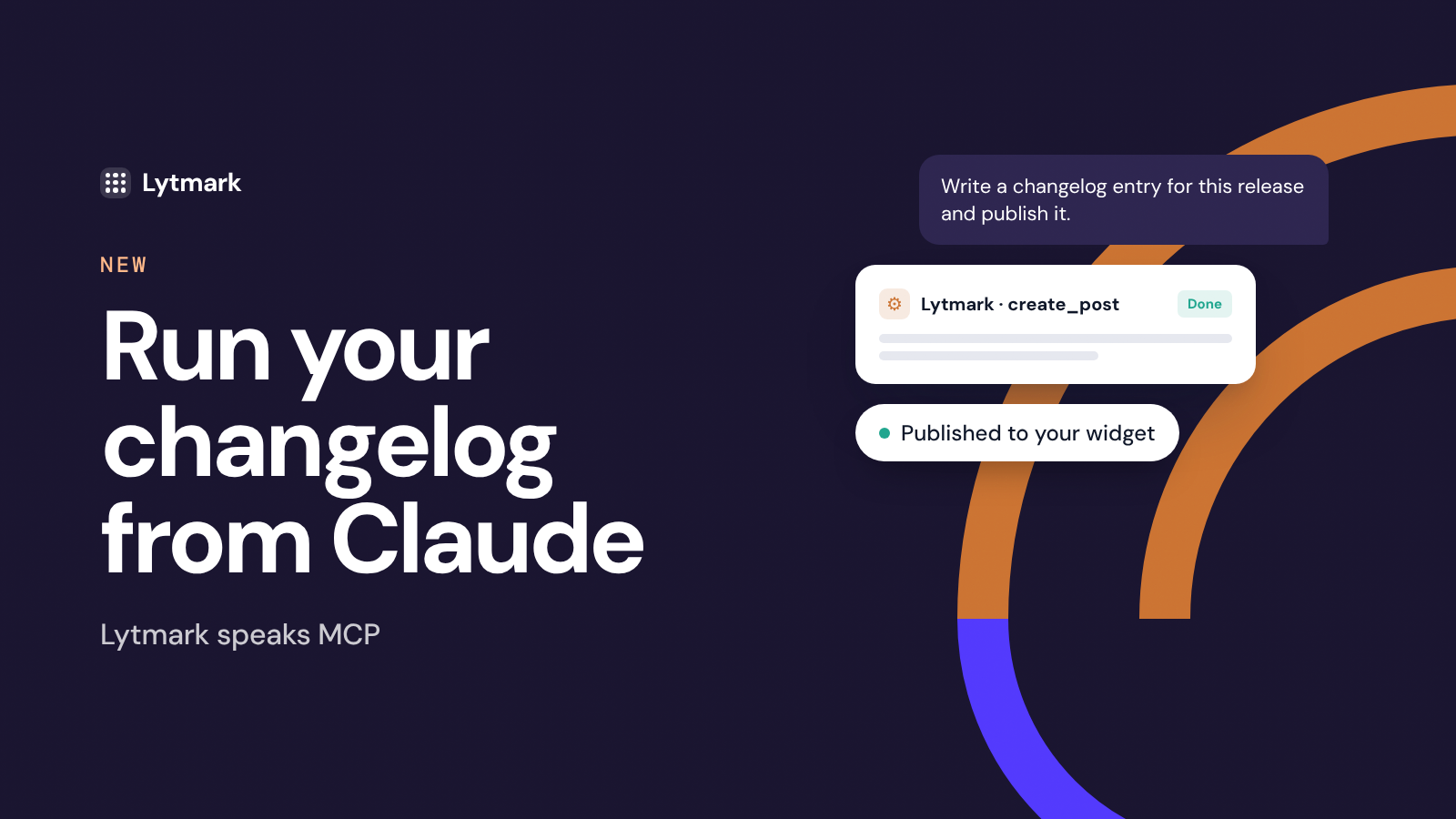
Lytmark ships with a native Model Context Protocol (MCP) connector. Connect it once to Claude — or any MCP-compatible AI assistant — and your changelog, roadmap, and feedback inbox become things you talk to, not tabs you switch to. Write, publish, triage, and prioritize in plain language, right where you already work.
What it can do
Publish changelog entries from a prompt. Describe what shipped and Claude drafts a clean, on-brand release note. You review, approve, and it goes live on your widget — title, body, tag and all.
Draft first, publish later. Not ready to ship? Have Claude save entries as drafts, or schedule them for a future date.
Triage user feedback. Pull in feature suggestions, then let Claude cluster duplicates, summarize themes, and surface what's trending.
Keep your roadmap honest. Review items and their vote counts to decide what deserves attention next — without opening the dashboard.
Close the loop. When a requested feature ships, have Claude draft the announcement in the same breath. Then mark the roadmap item as Shipped in your dashboard, and everyone who voted for it gets an email.
How teams actually use it
Ship, then announce. You merge a PR and simply say: "Write a changelog entry for this release and publish it." No context-switch, no copy-paste — the note is live before you close the terminal.
Turn feedback into a plan. "Summarize this week's suggestions and tell me the top three by votes." One message, and you know exactly what to build next.
Weekly digest on autopilot. Paste your commit messages or rough notes and let Claude turn a messy week into one polished, readable update.
Why it matters
The hardest part of a changelog isn't writing it — it's remembering to. MCP removes the friction: the update happens inside the workflow that produced it, so shipping and announcing become a single step. Your users stay in the loop, and you stay in flow.
Turn it on
Open Settings → MCP Connector, copy your endpoint, and add it to Claude. Two minutes and you're live.